Writing PRDs That AI Agents Can Execute
I spent 45 minutes writing a PRD. The autonomous agent built the feature perfectly overnight for $42. Then I wrote another PRD in 20 minutes. The agent failed three times and wasted $60. The difference? Acceptance criteria specificity.
The difference between a $40 successful autonomous build and a $60 failed one isn't the agent. It's the PRD. After running 50+ autonomous builds, I've learned this the expensive way: 80% of autonomous coding success is determined before you start the build.
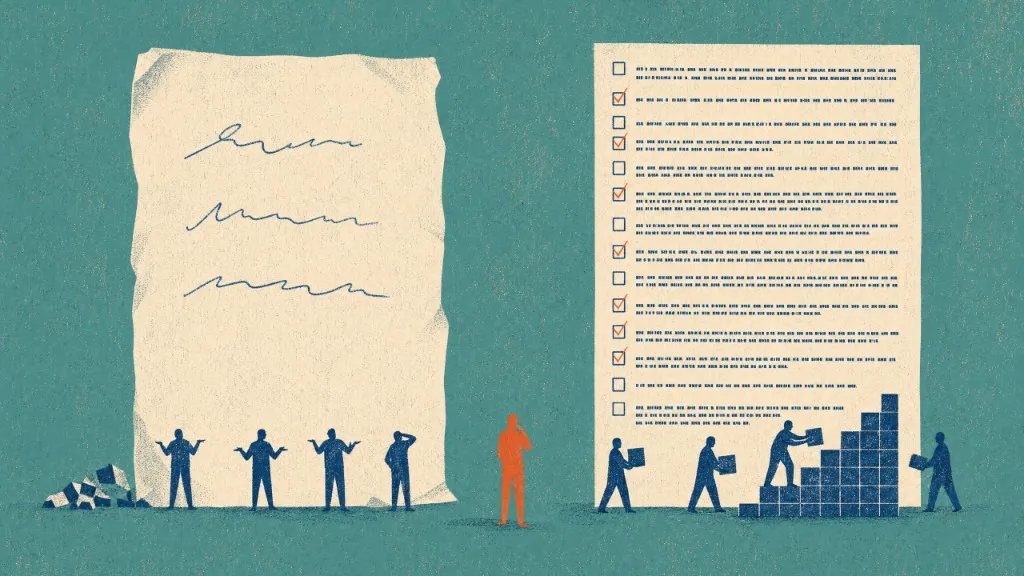
Traditional PRDs were written for humans. Humans can infer context, ask clarifying questions, and fill in ambiguous requirements. AI agents can't. They need atomic user stories with specific, testable acceptance criteria. No ambiguity. No inference. No "you know what I mean."
This article is the PRD-writing framework I wish I'd had from the start. It's based on real failures, real successes, and real money spent learning what works.
"The quality of your PRD determines the quality of the autonomous build. Garbage in, garbage out, at $3 per iteration."
The Atomic User Story Framework
An atomic user story is the smallest unit of work that delivers verifiable value. For autonomous agents, "atomic" has specific meaning:
- →Completable in one context: Can be implemented start-to-finish without breaking focus
- →Testable independently: Acceptance criteria can be verified without other stories
- →Self-contained: No external references or unspoken assumptions
- →Appropriately sized: Typically affects 1-3 files, adds/changes 20-100 lines
Story Size: The Goldilocks Problem
Too big, and the agent loses focus or runs out of context. Too small, and you're just creating overhead. The sweet spot:
"Add a button to the header"
Just code this yourself in 2 minutes
"Add a priority filter dropdown with 5 options that updates URL state"
Perfect autonomous scope
"Build a complete user dashboard with 12 widgets"
Break into 12 atomic stories
Writing Acceptance Criteria That Actually Work
Acceptance criteria are the contract between you and the agent. Here's what works:
Rule 1: Be Specific, Not Subjective
- ✗"Make it look good"
- ✗"Add nice animations"
- ✗"Make it user-friendly"
- ✗"Improve the layout"
- ✓"Card uses shadow-lg and rounded-lg classes"
- ✓"Fade-in animation: opacity 0→1 over 200ms"
- ✓"All buttons have min-width of 100px and aria-labels"
- ✓"Layout uses CSS Grid: 2 columns on desktop, 1 on mobile"
Rule 2: Make It Verifiable
Can someone (human or agent) definitively say "yes, this criterion is met"? If not, rewrite it.
"Dropdown should have reasonable options"
"Dropdown has exactly 5 options: All, High, Medium, Low, None (in that order)"
Rule 3: Reference Existing Patterns
AI agents excel at pattern matching. Point them to similar code:
- →"Follow the form validation pattern in UserSettingsForm.tsx"
- →"Use the same data fetching approach as DashboardPage.tsx (React Query with error boundaries)"
- →"Button styling should match PrimaryButton component (see src/components/ui/PrimaryButton.tsx)"
The Complete PRD Template
Here's the exact format I use for autonomous builds:
# Feature: [Feature Name]

## Overview
Brief description of what this feature does and why it matters.
One paragraph maximum.

## User Stories

### Story 1: [Descriptive Title]
**Description:** What this story accomplishes in 1-2 sentences.

**Acceptance Criteria:**
- [ ] Criterion 1: Specific, testable condition
- [ ] Criterion 2: Specific, testable condition
- [ ] Criterion 3: Specific, testable condition
- [ ] Criterion 4: Specific, testable condition
- [ ] Criterion 5: Specific, testable condition

**Technical Notes:**
- Reference to similar code or patterns to follow
- Any specific libraries or approaches to use
- Edge cases to handle

**Dependencies:** Story 2 (if any)

---

### Story 2: [Next Story]
...
Real Example: Analytics Dashboard
Let me show you a real PRD that resulted in a successful $42 autonomous build:
Create a reusable line chart component that displays time-series analytics data with hover tooltips.
- ✓Component file created at src/components/analytics/AnalyticsChart.tsx
- ✓Uses Chart.js library (already in package.json) with react-chartjs-2 wrapper
- ✓Accepts prop: data: Array<{date: string, value: number}>
- ✓X-axis displays dates formatted as "MMM DD" (e.g., "Jan 15")
- ✓Y-axis auto-scales based on data range with 10% padding above max value
- ✓Line color is cyan-500, fill gradient from cyan-500/20 to transparent
- ✓Hover tooltip shows: "Date: [formatted date] | Value: [number with commas]"
- ✓Chart height is 300px, width is 100% of container
Follow the chart configuration pattern used in MetricsChart.tsx. Use the same responsive options and hover behavior.
Story 1 (data fetching hook must exist first)
Notice the specificity. No ambiguity about colors, sizes, formats, or behavior. The agent implemented this perfectly on the first try.
Common PRD Mistakes That Waste Money
Example: "Add filtering functionality"
Cost: Agent makes 3 wrong assumptions, fails 3 times, wastes $12
Fix: "Dropdown with 5 options: All, Active, Inactive, Pending, Archived"
Example: Story 3 needs Story 1's database schema, but dependency not marked
Cost: Agent builds Story 3 first, fails due to missing schema, wastes $8
Fix: Explicitly mark "Dependencies: Story 1" in Story 3
Example: "Build complete admin dashboard" (affects 20+ files)
Cost: Agent times out or loses focus, success rate drops to 40%
Fix: Break into 8 atomic stories: layout, nav, widgets 1-6
The PRD Quality Checklist
Before running an autonomous build, verify your PRD passes this checklist:
"A 45-minute PRD that costs $42 beats a 20-minute PRD that costs $60 and fails."
The Time Investment Pays Off
I used to rush PRD writing to "save time." Then I'd watch autonomous builds fail and cost $40-80 in wasted API calls. Now I spend 45-60 minutes on PRDs. My success rate improved noticeably. The math is clear:
Spending an extra 30 minutes on the PRD saves 70 minutes of polish time and $20 in failed builds. That's a 2.3x ROI on PRD quality.
Writing PRDs for AI agents isn't about documentation for its own sake. It's about translating strategic intent into executable specifications. The specificity required, acceptance criteria with no ambiguity, stories sized appropriately, dependencies marked explicitly, forces you to think clearly about what you're building.
That clarity compounds. Clear PRDs lead to successful autonomous builds. Successful builds lead to faster shipping. Faster shipping leads to more experiments. More experiments lead to better products. It all starts with a PRD that an agent can execute without asking questions.
45 minutes writing a clear PRD saves hours of debugging and dollars on retries
Invest upfront. Ship overnight.
Specs an agent can build from
If your team is about to fund an AI feature and nobody has agreed on the job it does for the user, that is where I start. Thirty minutes, no deck.
Talk through your product betWeekly
One email a week on product experience and AI-enabled delivery
What I'm working on, what broke, and what I'd do differently. Written for people running product organizations.
What's Next?
Read Next: Self-Validating AI Agents